
DEMO MOTORS
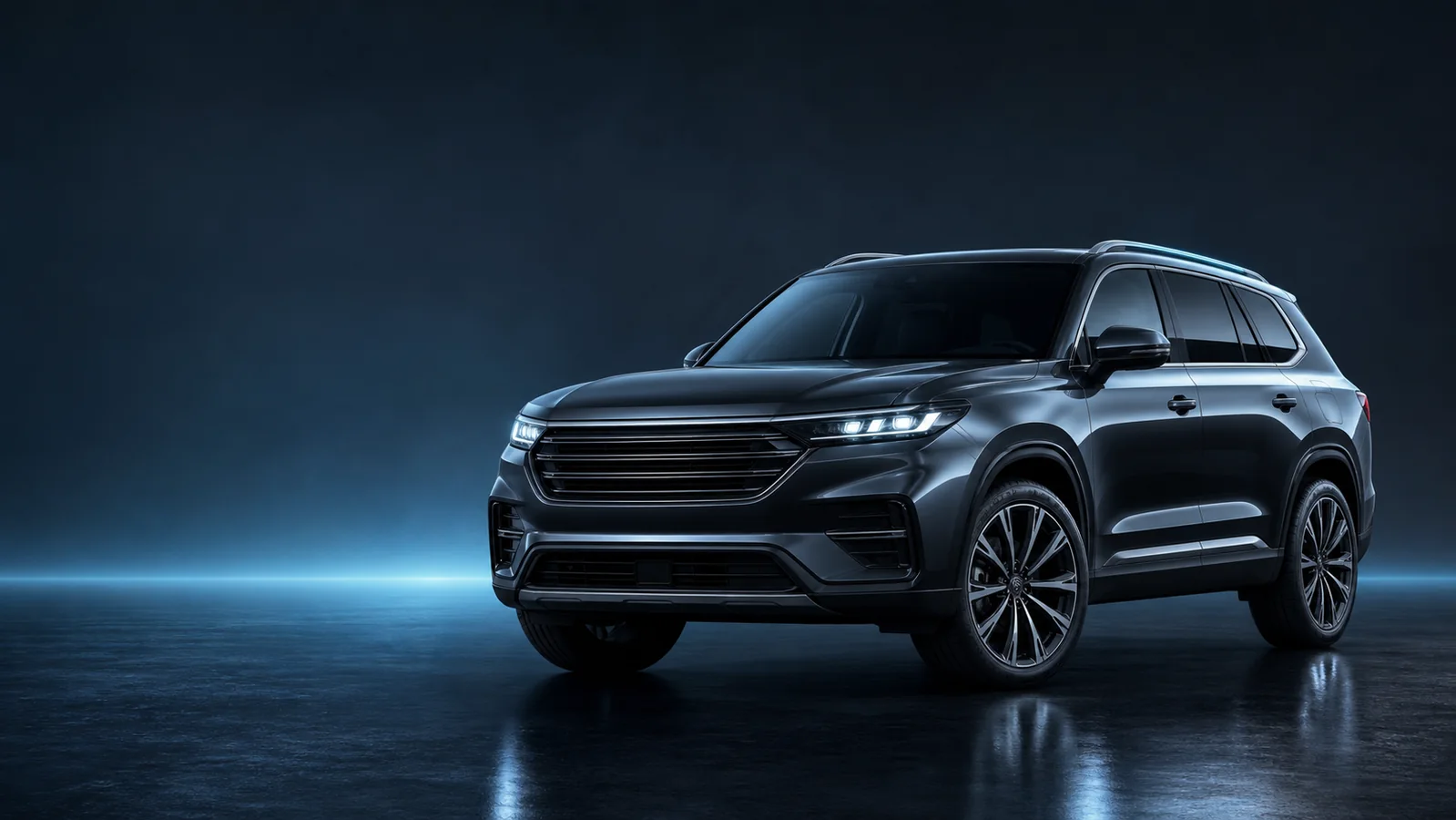
Quality used cars. Clear next steps.Quality used cars.
Quality used cars.
Simple finance.
Browse our latest stock or ask the assistant for a personalised shortlist.
Real example. Powered by Accelerate AI.
Turn more website visitors into qualified leads, book more test drives and service appointments, and sell more cars — automatically.
Demo messages stay on this page and are not saved or sent.
Website assistant
Open the live demo assistant in the corner, ask what is in stock, or ask for cars under a budget. The six fictional vehicles shown below use the same isolated demo inventory as the chat.
Browse our latest stock or ask the assistant for a personalised shortlist.
Triage qualified enquiries, assign owners and move each customer to the next step.
Finance and part-exchange captured
Vehicle stock
This is semantic page content for the approved website crawler and the same fictional catalogue is provided directly to the public demo chat. Live dealership stock still comes from its structured stock feed so price and availability stay controlled.
18,000 miles • Petrol • Automatic
Example price £18,99538,000 miles • Diesel • Manual
Example price £13,99524,000 miles • Petrol • Automatic
Example price £11,99512,500 miles • Hybrid • Automatic
Example price £24,49021,000 miles • Petrol • Manual
Example price £22,75027,500 miles • Petrol • Automatic
Example price £16,995Fictional demo inventory • AI-generated vehicle imagery • Staff confirm availability, price and vehicle details.
Accelerate Systems reviews selected public pages, then sets up stock, opening hours, services, where leads should go and common questions.
Website pages, documents and answers stay in draft until an authorised dealership user publishes them.
Vehicle price and availability come from current stock; policies and explanations use approved dealership knowledge.
Unanswered and poorly rated questions are reviewed and can become draft FAQs—never automatic public training.
